
It is possible to add key words to internal files, files and network files. Using these key words, the files can be located in web publications.
To add key words, the option must first be enabled:
- Select the Tools tab followed by Options...
- Select the Miscellaneous tab. You will see the following screen:
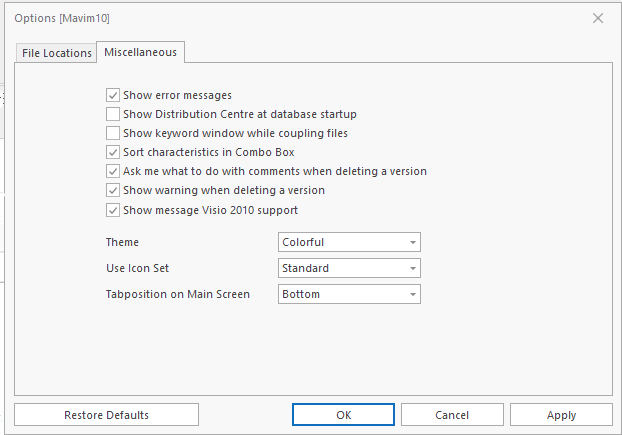
- Enable the Show keyword window while coupling files option.
The next time you couple an internal file, file or network file you will see the following screen after the file selection screen:
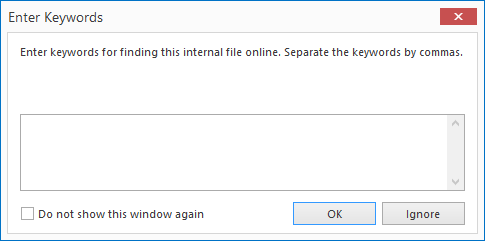
Enter the different keywords separated by a comma, and click OK. If you do not want to add keywords, you can click the Ignore button.
