The table in the Relationships screen can be sorted and filtered:
- Select Relationships Screen Options from the Layout
- A screen appears with the tabs General and Table Options.
General Tab:
Select the check boxes next to the relationship categories you would like to make visible. You can also adjust the order in which these relationship categories are shown by highlighting the desired relationship category and using the arrow buttons to move it up or down in the list.
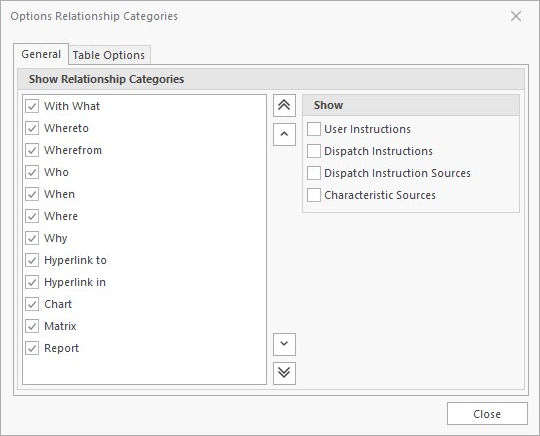
In the "Show" section you can select which additional information is to be shown.
Characteristic Sources
When the option Characteristic Sources is enabled you can show all relations that make use of the characteristic by selecting the characteristic-topic in the Objects tree.
Table Options Tab:
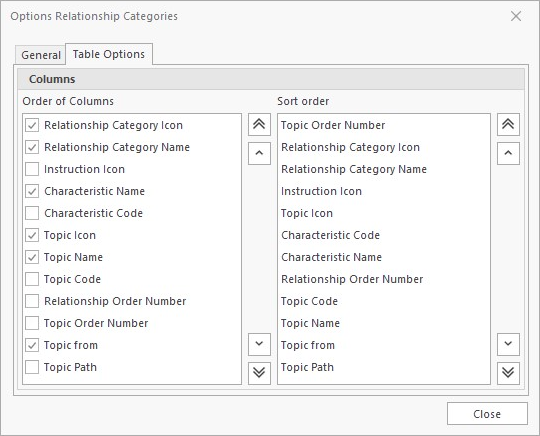
In this tab you have two lists. The left-hand list gives you the option of selecting which columns are shown and in which order. Simply select the check box next to the required column names and use the arrow buttons directly to the left of the list to change the order.
The second list gives you the option to sort the relationship information by column. The column name at the top will define the first sort level, the next column name defines the next sort level etc. This functionality is similar to the sort feature in Microsoft Excel.