
The Ribbon in Mavim Manager can be configured in three different ways:
- Auto-hide - Using this option, the Ribbon will completely disappear unless you click on the bar at the top of the application window.
- Show Tabs - With the Show Tabs option, the tabs will always be visible but minimized. You will need to click the required tab to see the commands that belong to it.
-
Show Tabs and Commands - With this option the Tabs and Commands will be visible at all times.
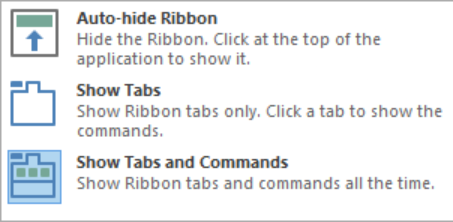
You can access these options by clicking the  button on the Mavim Manager title bar.
