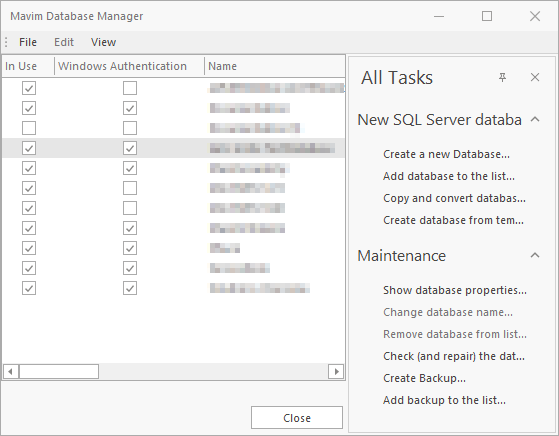
The Database Manager contains several functions for using and maintaining databases, and can be accessed as follows:
1. Select Open from the File tab or use the keyboard shortcut: CTRL+O.
2. The Open Mavim Database window appears.
3. Click the Database Manager button.
The following window appears, with a number of buttons, and the File and Edit menus.