It is possible to check the database contents. This is necessary if the Mavim database contains errors, or when a newer application version of Mavim has been installed (this option adjusts the database to the newer version).
If you want to check the database contents:
1. Start the Database Manager (see Database Manager).
2. Select the database you want to check.
3. Select menu File > Check Mavim Database.
4. You are presented with a dialog asking if you are sure you want to check the database because this can be a lengthy operation.
5. Click Yes.
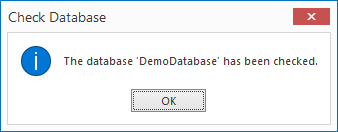
6. The database will now be checked and repaired if needed. Once the check is complete you will receive a message similar to the one shown below: