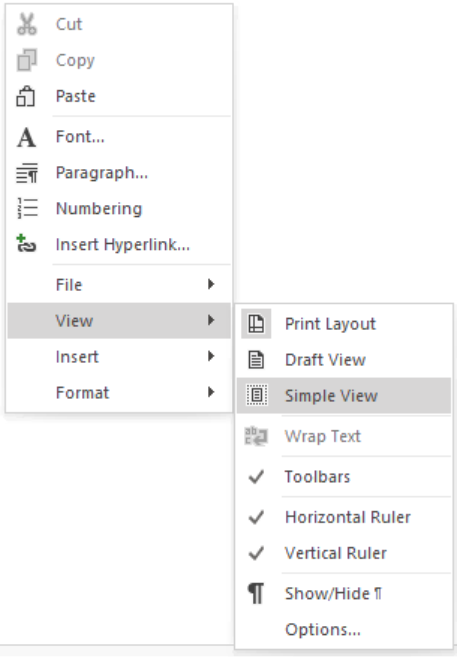
The Simple View for the description screen in Mavim Manager makes use of the most space in the Descirption screen but excludes a rule. This means that it is not possible to set margins when using the Simple view.
If you want to see the Simple view of the Description screen:
- Place the cursor in the Description screen.
- Open the context menu and select View and select Simple View.