
If a table does not have borders (see Set Cell Properties) it is not visible in the Description screen.
To see the table, you can turn on gridlines:
- Place the cursor in the Table.
- Right-click and select Table Properties.
- Select Border and Shading.
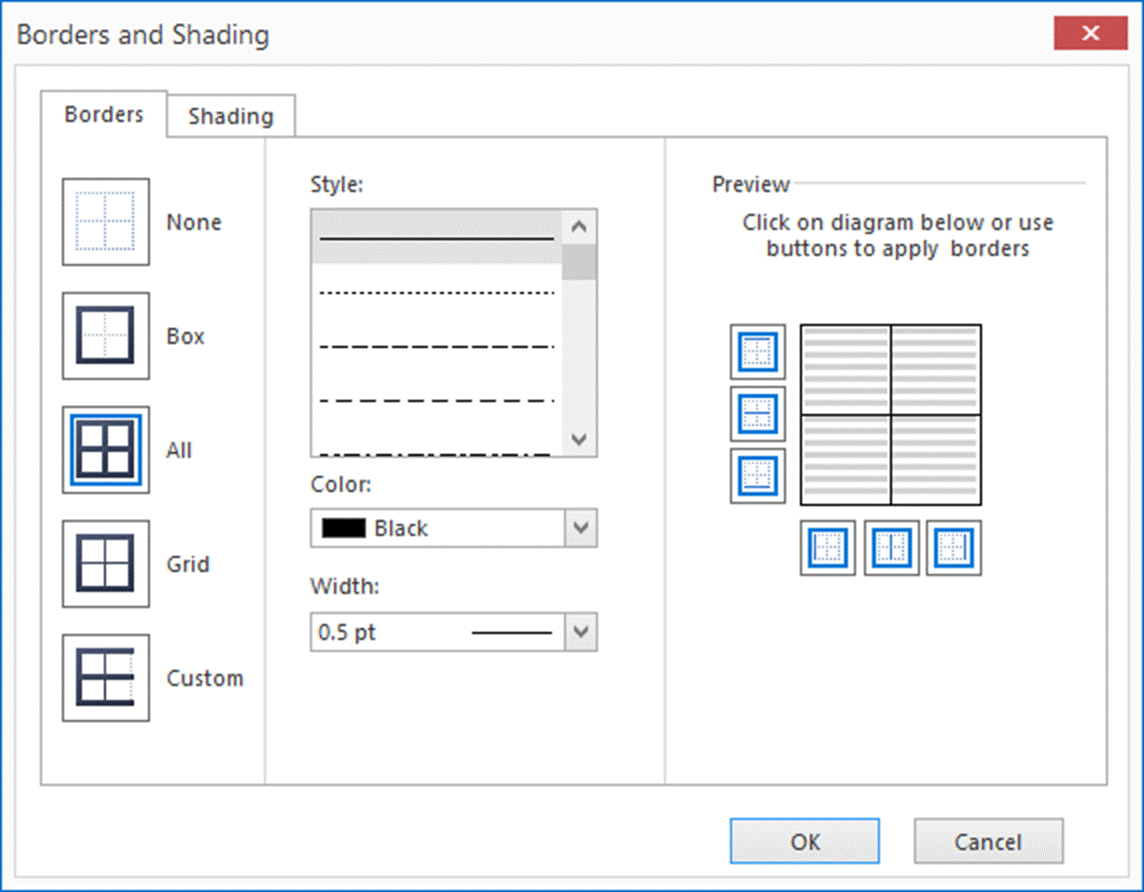
- Here you can select the style of borders you need.
Shading:
- Switch to the Shading tab:
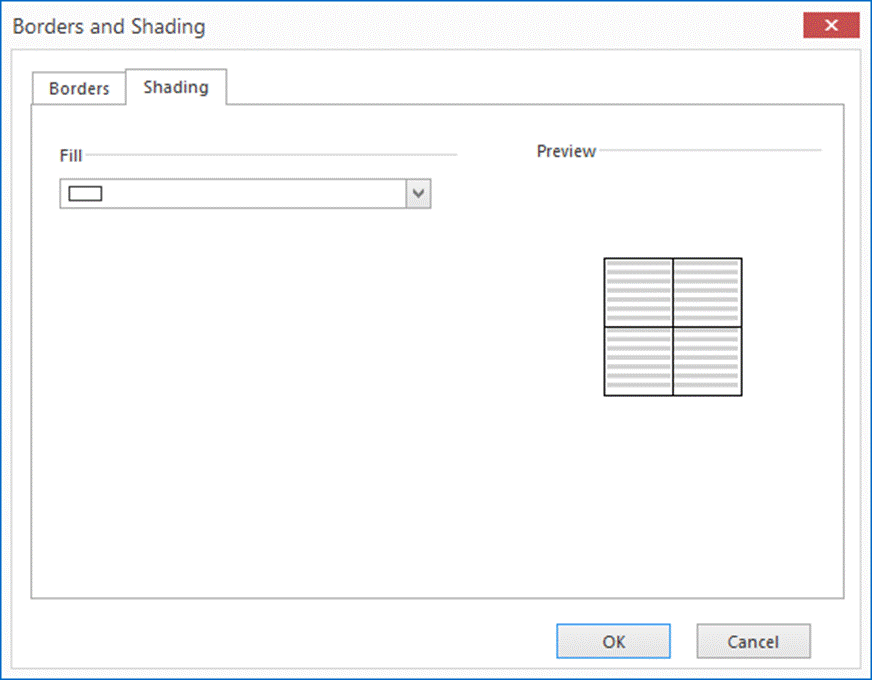
- Using the provided drop-down menu, select the color you would like to shade the cells with.
