
To assign Field Sets to topics:
1. In the Topics screen, click the topic to which you wish to assign a field set.
2. Select Assign Field Sets from the Administrative Tools group on the Administration tab.
3. In the screen that appears, click the Assign button.
4. Choose one or more Field Sets in the Assign Field Sets screen, and click Select.
You will see the following result:
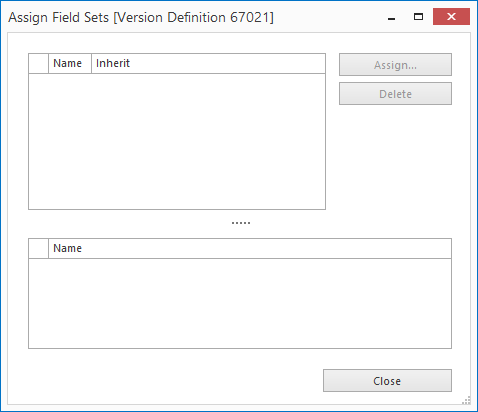
The top part of the screen shows the Field Sets already assigned to the topic. The lower part of the screen shows which fields belong to the selected Field Set.
5. In the top part of the screen, select the dropdown menu under the title Inherit.
6. Select the required type of inheritance to define the (sub) topic to which the Field Set will be assigned. See: Inheritance Options.
7. Click Close.
Note: In the blue title bar this screen shows the selected topic in the topic tree (e.g. [my topics]).
If you navigate via the topic tree, the selected topic is shown in both the topic tree and the description screen.
Topics can also be assigned a Field Set on the basis of topic type. See Field Set - Assign to Topic Type.
