
Both the File and URI tabs have the Remove from list function. This basically gives the user the option to remove the relationship between a topic and a coupled file.
There are two scenarios in which this may be needed:
- The file in question is no longer used
- The file in question has been moved
Simply select the the desired row:
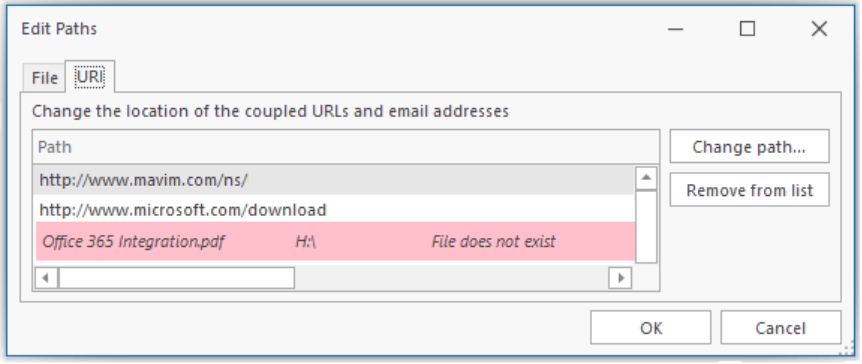
Now click the Remove from list button. The corresponding topic in the tree under External Files is removed and the relationship for the corresponding topic is removed.
