
There are several ways to rename a topic. Select the topic in the Topics screen and choose one of the following methods:
- Press F2. When you have changed the name, press ENTER or click outside of the topic.
- Right-click the topic and choose Rename Topic. When you have changed the name, press ENTER or click outside of the topic.
- Press F4 (Properties) and go to the Name field.
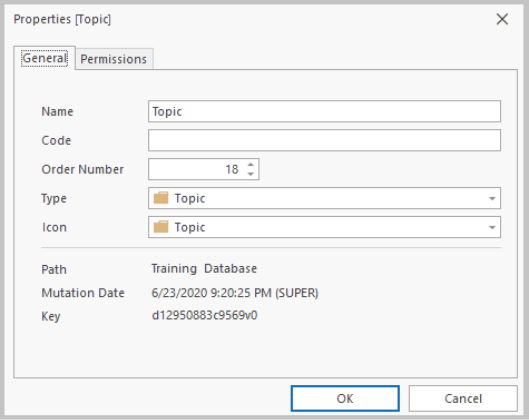
When you have changed the name, click OK.
Note:
With the Find and Replace option, you can search for topics that have a certain word in their names and you can replace that word with another word or phrase in any or all of the topics found. See: Find and Replace in Topics
