
To enable coupling Mavim topics with Infor M3 screens, the URL to the Infor M3 server must be entered into the M3 Connection manager.
Entering this URL is done as follows:
1. Open the M3 Connection Manager using one of the following options:
· In the ribbon select Tools tab > Web section > External connections website > M3...
· In the ribbon select Edit tab > Couple Topic with > M3...
· Open the context menu of a Mavim topic and select Couple Topic with > M3...
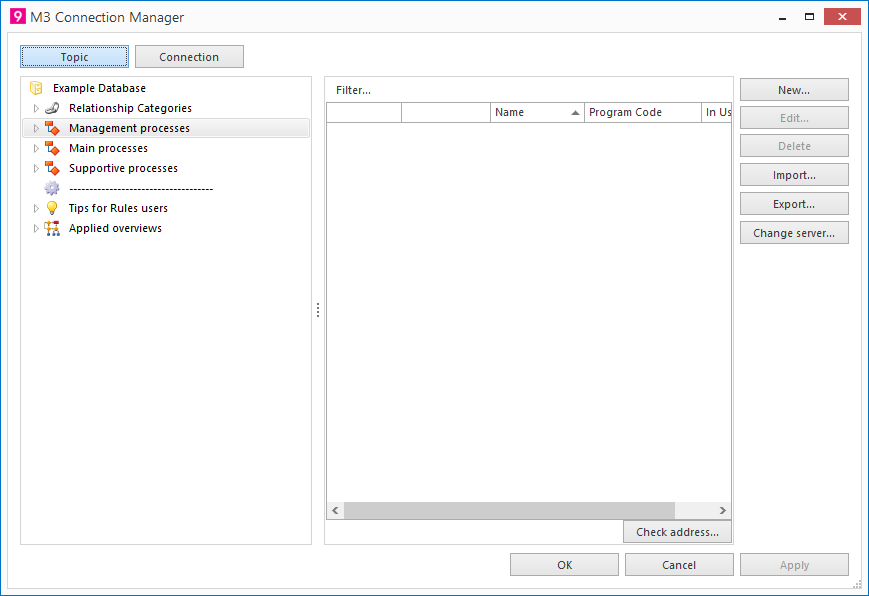
2. Click on the button Change server...
3. The following screen will be shown: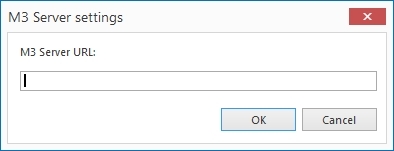
· Enter the Server URL. Ask your system administrator for the correct URL.
· Click on the button OK.
4. The entered URL will be shown at the bottom of the imported M3 screens section in the Connection Manager.
As soon as you have selected an M3 screen in the list, you can check the address using the Check address button.
* If you click the Connection button the right and left hand section will switch location and functionality.
