
The Options window is available when creating a chart or by choosing Options from the right-click menu:
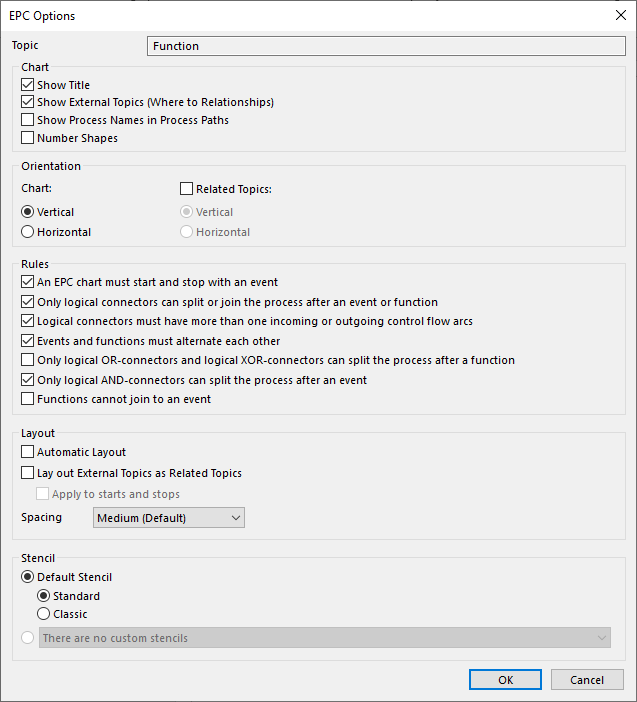
For an explanation of the general options see: Common chart options. The remaining options are explained below:
Show External Topics: References to other processes (Whereto or Wherefrom relationships) are shown in the chart.
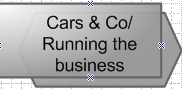
Show Process Names in Process Paths: The top topic is also shown (see the following example, Selecting suppliers comes under Purchase division).
Orientation:
· Vertical: the drawing is displayed vertically.
· Horizontal: the drawing is displayed horizontally.
Mavim: The use of rules in an EPC chart helps the chart to be consistent. Mavim reports - when you save or close a chart - deviations from the rules. See EPC Rules for further explanation.
