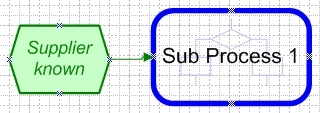
The following shapes can be used in an EPC chart:
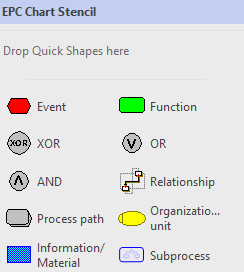
Event:
|
|
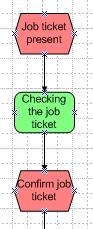
Event: an event can be compared to a status or trigger before or after a function. For example: the process starts with the event: 'Job ticket present' (a trigger) and closes with the event 'Confirm job ticket.'
|
Function:
|
|
Function: the function describes the action that is taken, and is called activity in flowcharts. In this example, the function is: 'Checking the job ticket.'
|
Logical connectors:
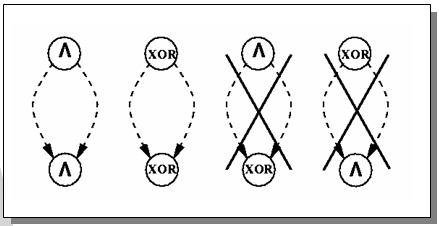
EPC uses logical connectors. These split and reconnect processes.
|
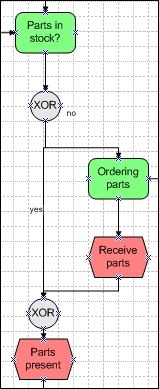
OR: OR splits a function or event creating various independent parallel paths that can be followed.
XOR: XOR (exclusive OR) splits a function or event in such a way that only one of the two paths created can be followed.
AND: AND splits a function or event in such a way that both paths must be followed and completed before the flow can continue.
|
Process path:
|
|
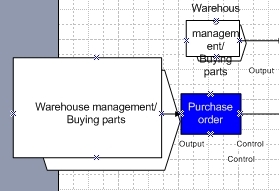
Process Path: reference to another process outside of this EPC.
|
Organizational unit:
|
|
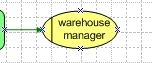
Organisational Unit: reference to a topic in the Who relationship category. |
Information matieral:
|
|
Information/Material: reference to a topic in the With What relationship category. |
Process:
|
|
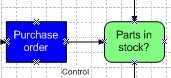
Process: reference to a subprocess on the next page. See Using Multiple Pages for more information. |