
1. Select the tab Administration > Create Visio Solution.
The following screen is opened:
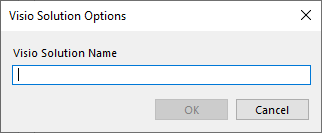
2. Enter the name of the Visio solution you wish to use.
3. You can now use stencils from Visio to create your own Visio solution.
4. After you have saved the Visio solution, it is stored under Visio Solutions in the topic tree.
See Objects.
