
If you are using multiple pages in a chart it can be useful to have an overview of the subprocesses, allowing you to easily navigate between the different pages. The Process explorer can be used for this as follows:
1. Select the Process explorer command from the context menu of the chart.
2. The Process explorer window is shown:
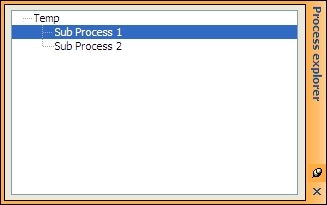
This dialog shows you the entire process structure of the chart.
3. If you wish to work on one of the pages you can quickly navigate to the required page by selecting it in the Process explorer.
