
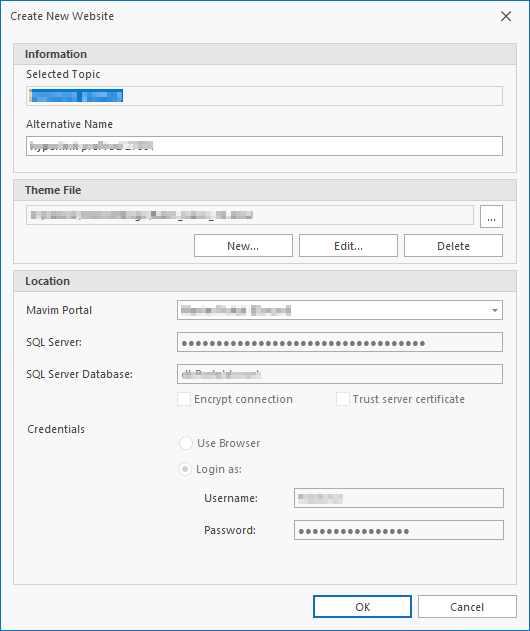
In the top section of the Publish Website tab you can select the Advanced options for the Mavim Portal publication. This allows you to configure the theme and location: 
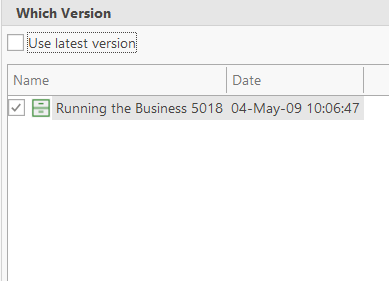
In the second part of the Publish Website tab, you can configure which version will be published. If you deselect the User latest version option, you can select a specific version if needed:
The final section allows you to enter an alternative name if needed:
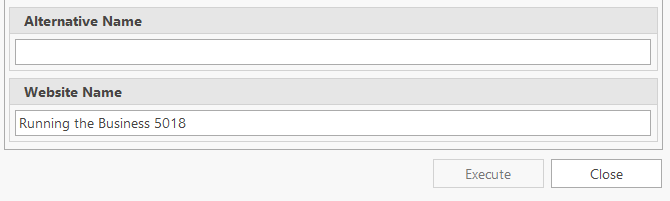
Once configured, you can click the Execute button to run the batch. All configured versions and publications will be created.
