
In the top section of the Publish Word Document tab you have to select the desired version for the Word publication: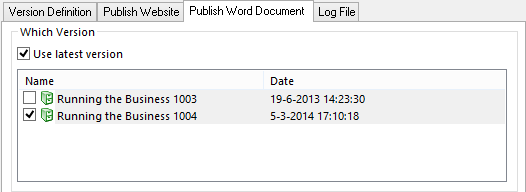
Note: If you select Use latest version, it is is not possible to select one of the current versions. Even if a checkbox of one of the current versions is selected, the newest version will be used for the Word publication.
In the second part of the Publish Word Document tab, you can configure everything related to the selected Word publication. The available options on this tab are almost* simular to a manual, single Word publication. For more information, read: Publish as Word document
*Only one section differs: Save Word document in. This section is located at the bottom. Here you select the folder in which you want to store the Word document.
