
When a relationship between two topics has been created, it is possible to move the relationship to another topic. This means that the target topic of the relationship is changed to another topic.
- Select the relationship that you want to move in the Relationships screen.
- Select Move from the context menu.
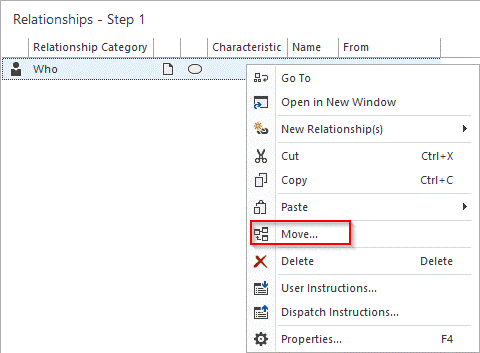
- Select the topic you want to move the relationship to in the window that opens, and click Select.
Note: With the Move option, you can only move one relationship at a time.
