
Certain formatting characters are not shown when working with the description of a Topic. These include:
- Enter
- Tab
- Space
- Page Break
- Optional Hyphen
You can however choose to show or hide these characters using the Show/Hide button on the toolbar of the description screen: 
Simply click this button and you will see special characters appear in your description to denote the above mentioned formatting.
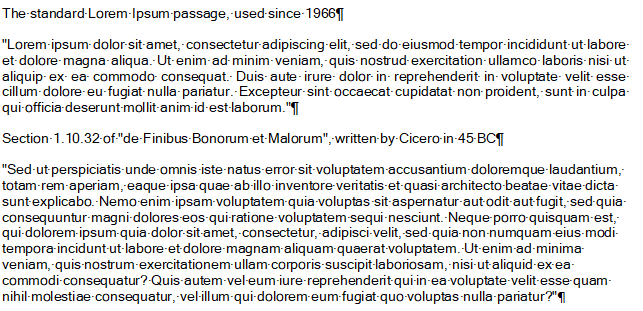
In this case it is showing the end of each paragraph.
