
Topics are arranged in the topic tree according to their automatically assigned order number (press F4 to see this number). You can change the order of the topics, the order number will then be automatically updated according to the new positions.
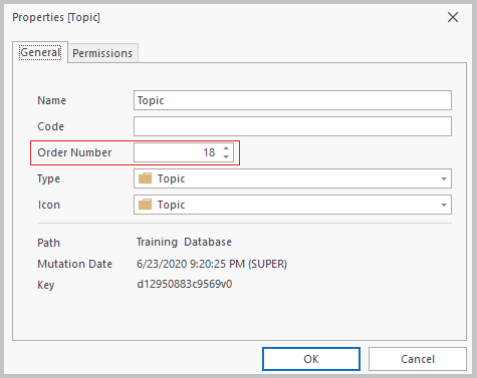
Below is an explanation of how to sort and renumber a series of topics based on a number of criteria. You can also move topics separately according to your own criteria, and the order number will be automatically adjusted: see Move Topic.
- Select the topic whose subtopics you want to sort and renumber.
- Go to the Subtopics screen and select a topic.
- Right-click and select Sort/Renumber or click
 on the Navigation tab.
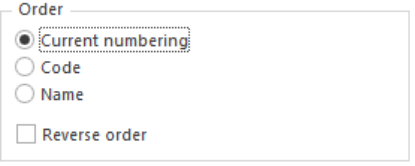
- In the Sort/Renumber window, choose one of the three sorting options and the direction:
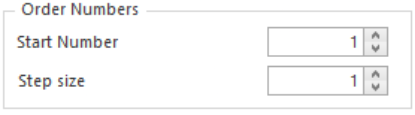
- Enter the order number that you want to assign to the first topic, and the step size between each subsequent order number:
- Click Apply.
