
A version based on a version definition (see Version Definition) is created as follows:
1. From the Modelling tab select Create Version from the Version Management group.
The Create Version screen is opened with an overview of all available version definitions:
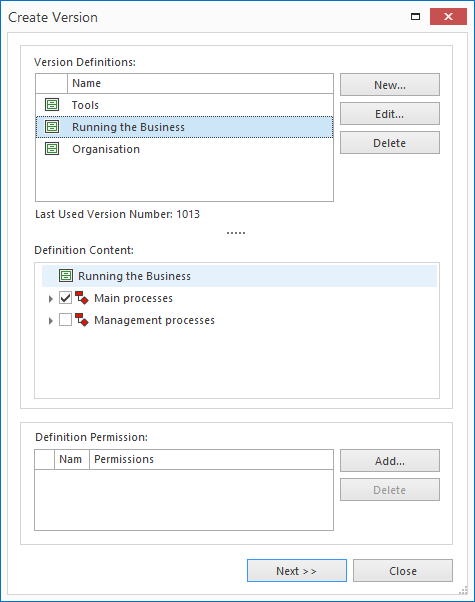
2. Click the required version definition and then on the Next button.
