
A created version can be exported from the database. The result is a Transport Database (*.mtdx) that can be used for the following:
1. To store a version outside of the database before the version is deleted from the database
(see Delete Version).
2. To be able to use the data in the version in other databases
(see Version Management).
To export a version:
1. Select Version from the Export group on the File tab.
The following window appears: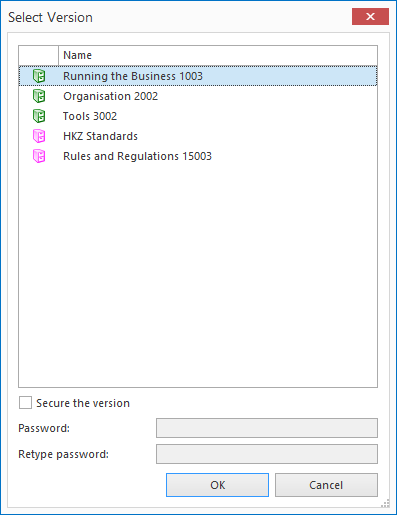
2. Select the version you want to export.
3. If you want to secure the version with a password, enable the option Secure the version. You can then enter a password. When importing the version into a database, the password is required. See Import Version.
4. Click OK.
5. Select the file location of your choice in the window that opens.
6. Click Save to save the Transport Database (*.mtdx).
Note: If you use a Distribution Centre, it is important to save the transport database at the agreed file location(s).
