Problem
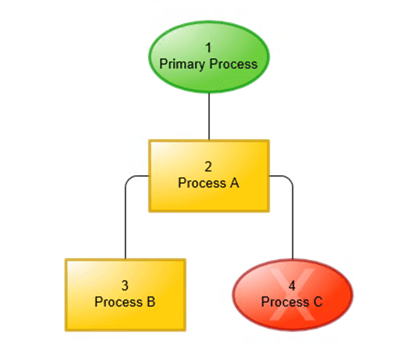
After importing a Visio chart into Mavim, connectors lose their arrowheads and appear as plain lines.
Solution
To restore arrowheads after import:
- Right-click on the page background and select "Adjust relationships" from the context menu.
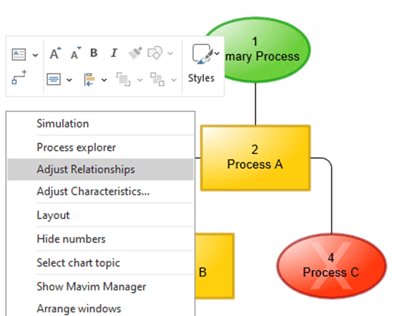
- All connectors are selected:
- If necessary, hold down the Ctrl key and click one by one on the lines you don't want to be modified.
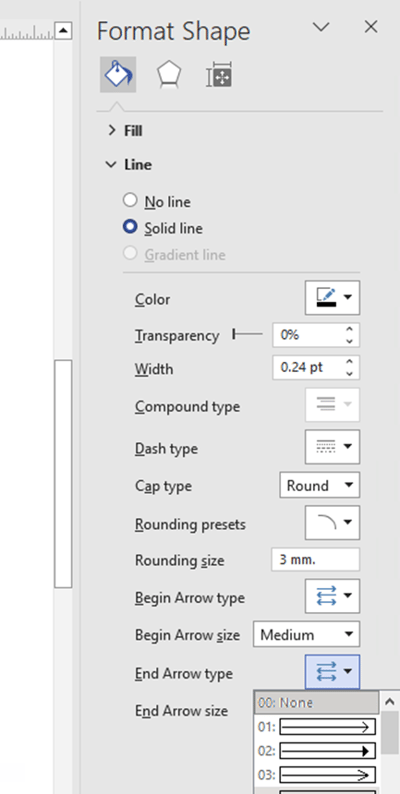
- On the right side of the screen, the Format shape panel appears. Set the desired arrow format here
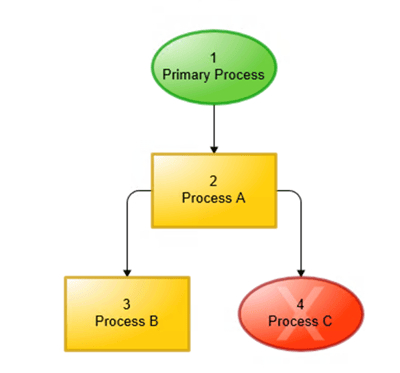
- All selected connectors will now display arrowheads again.
- Click the save button in Visio to save the changes