Before you start
Make sure you have:
- The Developer license assigned in Mavim Connect Center
- A role with Create dataset and Manage Dataset permissions
Steps to create a dataset
1 Open Mavim Process Mining
- Sign in to Mavim Process Mining via https://processmining.mavimcloud.com/
2 Navigate to a Process Hub
- Open a Process Hub where you want to create a new dataset.
- Navigate to the Data page from the side nav.
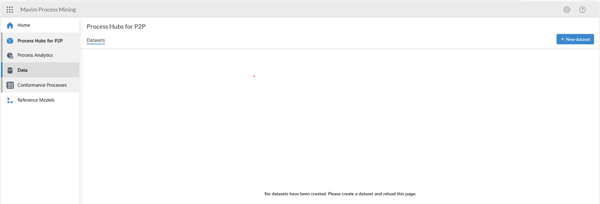
3 Create new dataset
- Select New dataset
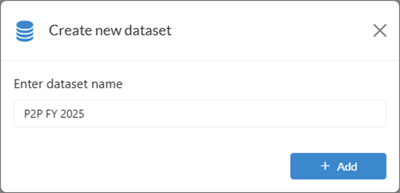
- Give an appropriate name for the dataset. Wait for the dataset to be created.
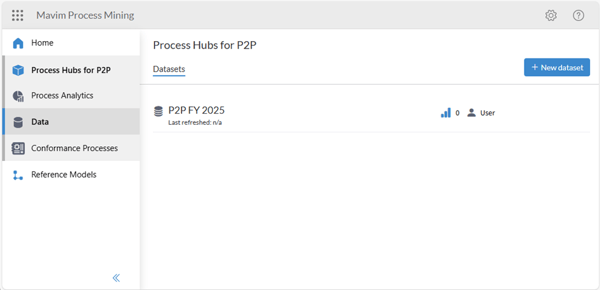
4 You have successfully created the dataset
- In the Dataset overview the dataset will appear.
5 You can manage the dataset
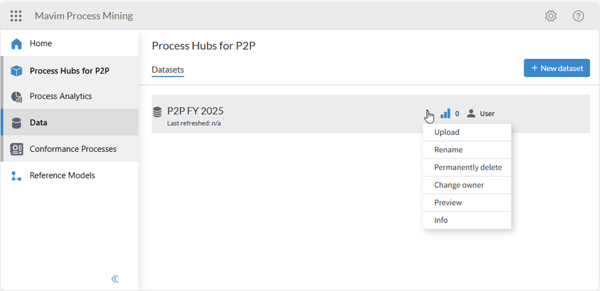
- You can perform multiple activities on a dataset if you have the Manage dataset permission, such as upload event log, renaming, linking to a report, changing owner, and permanently deleting.