
When you create a new version, the pre-defined standard access rights are adopted.
The access rights of both a new version definition and an existing version definition can be changed.
If you start to Create a Version the Create Version dialog box appears.
At the bottom of this dialog box the Definition Permission section is shown.
Before creating the version you can change the access rights as follows:
1. Click Add in the Definition Permission section.
The Groups dialog box appears: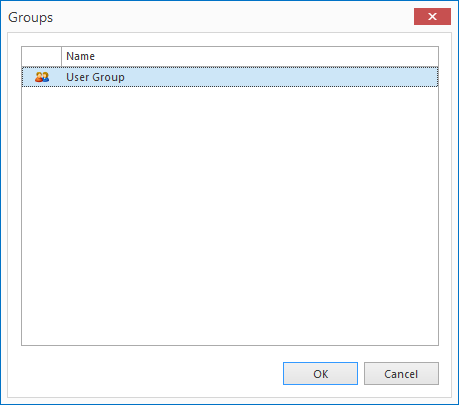
2. Highlight the required groups and click Select.
Remove existing permissions by hihglighting the group(s) you want to remove in the Definition permissions section and click the Delete button.
