
You can set the standard access rights for imported versions as follows:
1. Log in as an administrator (see Administrator Management)
2. From the Administration tab select Access Management.
3. When the Access Manager appears, select the Versions tab: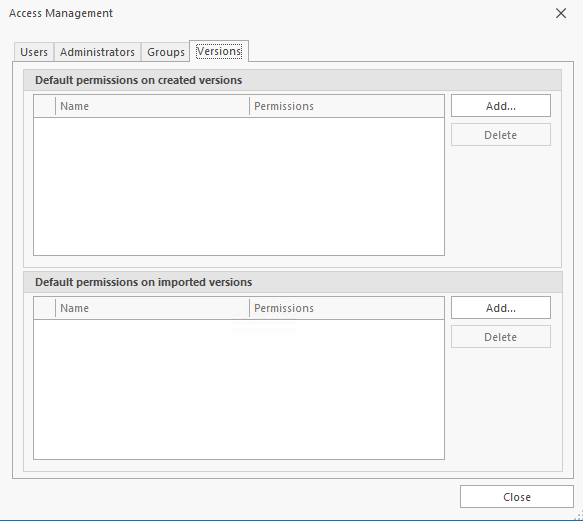
4. Click the Add button to show a list of the available groups.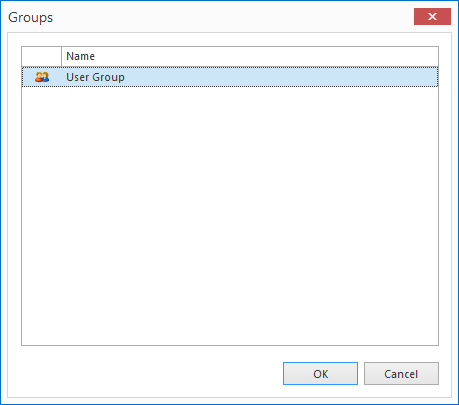
5. Highlight the required groups and press the Select button.
Removing Default Permissions
To remove default permissions:
1. In the Access Manager ensure that the versions tab is selected.
2. In the Default permissions versions to import section, highlight the group or groups you want to remove.
3. Click the Delete button.
