
Add Characteristic
You can add a characteristic to a relationship (see Characteristics) in Visio.
1. Double-click the relationship between two shapes in the chart.
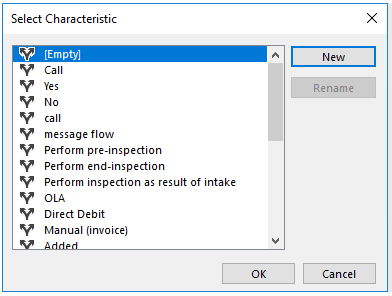
2. Select the required characteristic in the Characteristics window.
3. The characteristic is added to the chart.
Delete Characteristic
You cannot delete a characteristic in Visio. You can delete it by selecting No Characteristic in the dropdown menu of the relationship below Characteristic in the Relationships screen.
