
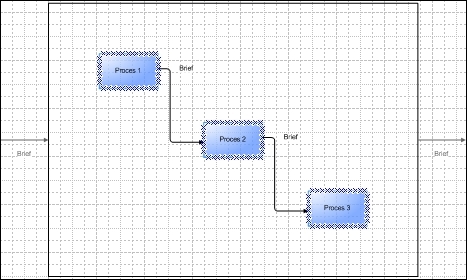
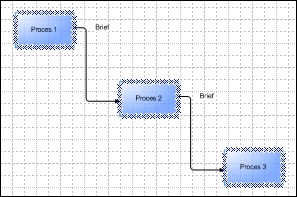
With this function, you can show or hide the superprocess in an IDEF0 drawing.
Show:
Hide:
Select chart supertopic
With this function you select the whole process.
Show Mavim
Mavim is set in the foreground of the screen, and receives the focus.
Arrange Windows
With this function, the Visio screen and the Mavim screen are set in a fixed proportion to one another: Mavim for 1/3 of the width of the screen and Visio in the rest of the screen.
Adjust Page Size
Here you can adapt the size of the page.
Check Chart Consistency
If a chart is saved Mavim will check if the chart is correct in Mavim terms. See Inconsistent Chart.
Save as 'under construction'
If a chart is saved Mavim checks if it is correct in Mavim terms. If a chart has not been finished, and therefore cannot be consistent, you will need to save it as ‘under construction’. You can open and finish the chart at a later date. You can recognise an 'under construction' chart by its modified symbol.
Options
The options are different for each chart, see the descriptions by the Charts types.
View
Here you can modify the view of the chart.
Layout
Here you can modify the layout of the chart.
Shape
Here you can modify how the shapes are shown in the chart.
