
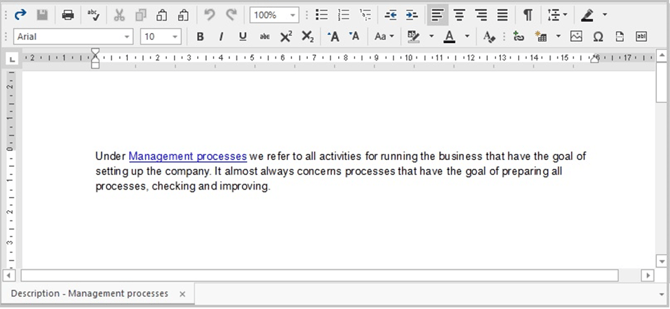
In the Description screen you can add a description of a topic in text and/or image form. The functions that you find here are similar to those found in Microsoft Word. For example, a description can provide clarification about a process.
Note: You can set the layout for various sections of the screen. See Description Screen Options.
Note: In some cases when switching from another tab, for example Fields or Subtopics, back to the Description screen tab, the description may show up as blank. You will not have lost any information! You will simply need to select another topic and then switch back to the desire topic once more.
