
Why the user is not visible
A newly added user only becomes visible in group management after both the user and the administrator refresh their Mavim Manager sessions.
How to resolve
-
The new user must first log in to the Mavim Manager.
-
If the administrator is already logged in to the Mavim Manager during this process, they must restart the Mavim Manager after the new user has logged in.
-
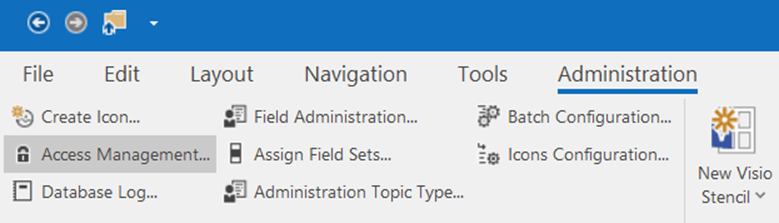
After restarting, the administrator should now be able to see the user in Administration > Access management and add them to the desired group.
Summary
-
Add the user to the database in MCC.
-
The user must log in to Mavim Manager once.
-
The administrator must restart their Mavim Manager session.
-
The user will then appear in the group selection list.
