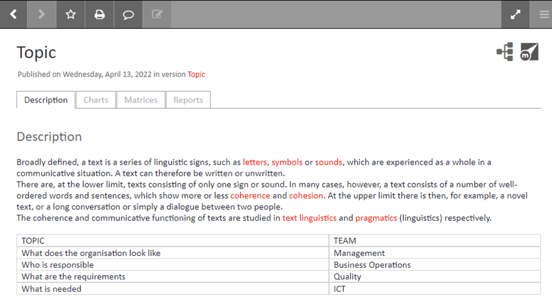
How to fix table alignment in the Portal
-
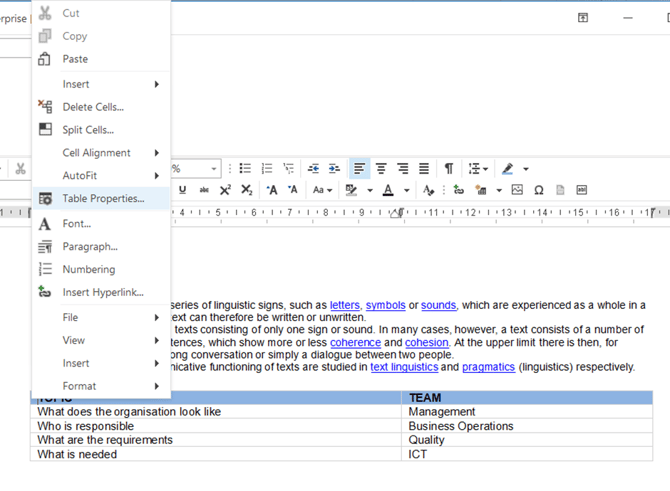
In the Mavim Manager, right-click inside the top table cell.
-
Select Table properties.
-
Go to the Table tab.
-
Under Size, change Measure in from centimeters to percent.
-
Set the Preferred width to 100%.
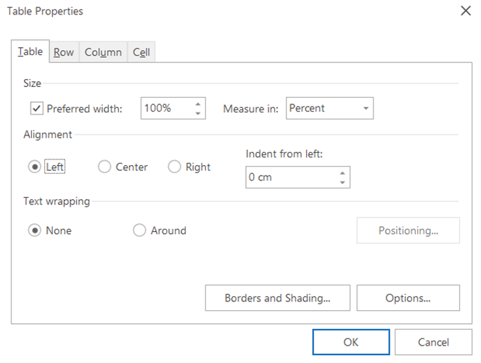
With these settings, the table will adjust dynamically to the Portal screen. It will use the full width of the right-hand pane, even when scrolling.
Before:
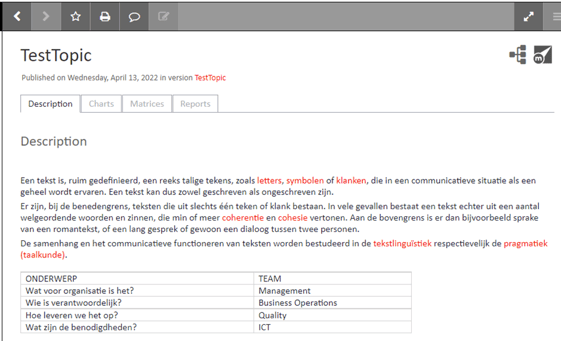
After: