
If a distribution centre is activated (see Activate Distribution Centre) the transport databases (*.mtdx) that are not present in the database are shown in bold:

A transport database can be imported as follows:
1. Select the required MTDX.
2. Click Import.
3. Optional: when the transport database was secured with a password during export
(see Export Version) you will see the following window: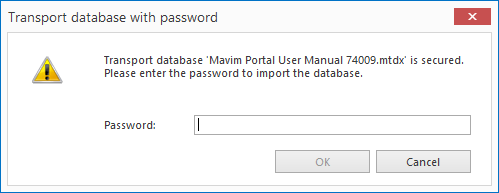
Enter the password and click OK. If you do not have the password, you cannot import the transport database. After three incorrectly entered passwords, the import is cancelled.
4. The result is shown on-screen:

